
Five starter minutes · edit before export
Audio to Text Free Online
Audio to text free conversion turns a recording into editable words without manual typing. Upload supported audio or video here to begin with five starter minutes.
Drop audio or video here
MP3, WAV, M4A, MP4, MOV, WEBM and more
Five starter transcription minutes are included for new accounts.
Workflow / 01
How to use audio to text free online
A speed-first path for voice notes, interviews, lectures, and meetings. Start with the recording, review names and numbers, then keep the text or export the artifact you actually need.
- 01
Choose a recording
Upload audio or video, record in the browser, or use a supported direct media URL.
- 02
Set the spoken language
Leave detection on automatic or select the language when you already know it.
- 03
Review the words
Check names, numbers, and specialist terms against the original audio before reuse.
- 04
Copy or export
Copy the edited transcript or export it in the format your next task requires.
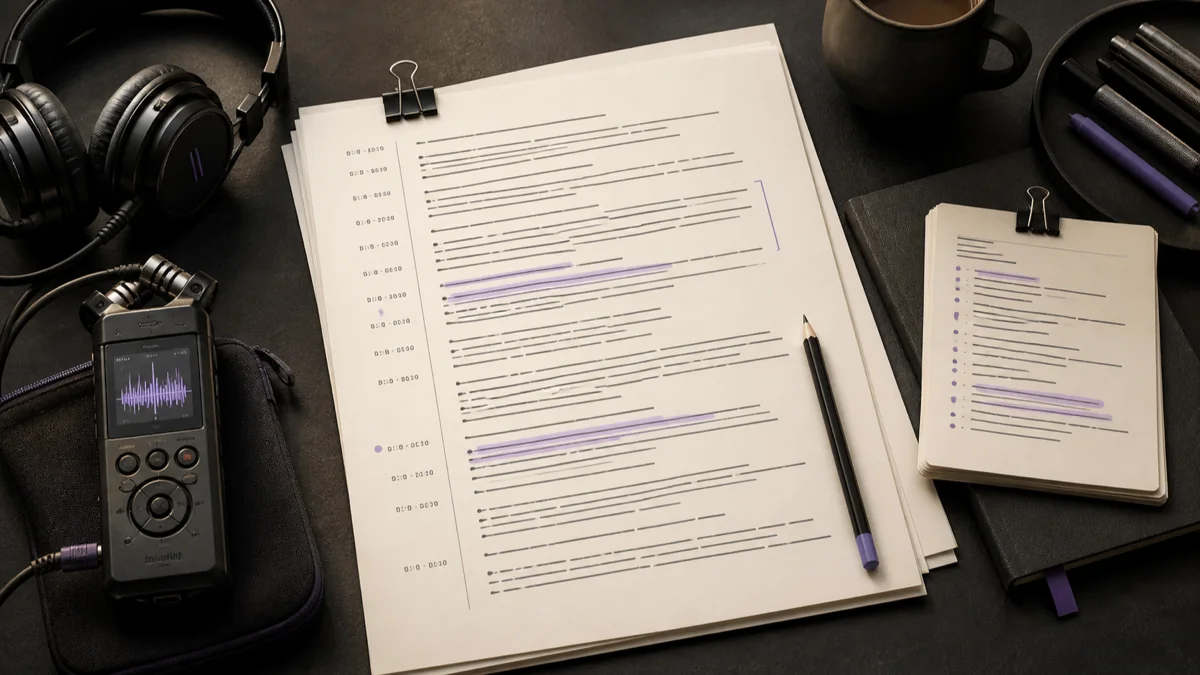 GPT Transcribe field guide
Principle / 02
What free audio transcription should give you
The useful result is not a wall of unverified text. It is a transcript you can search while listening, correct where the recording is unclear, and reuse without retyping the whole conversation.
Automatic transcription is a draft. Background noise, overlapping voices, specialist terms, names, and spoken numbers deserve a source check before the text becomes a quote, record, or decision.
Voice notes
Turn a recorded idea into searchable text that is easier to revise and share.
Interview review
Find quotes in a recording and return to the timestamp before publishing them.
Lectures and meetings
Create a readable draft, then verify the points that become notes or actions.
Decision / 03
GPT Transcribe vs Otter vs Descript
Product pages checked 2026-08-12
| Compare | GPT Transcribe | Otter | Descript |
|---|---|---|---|
| Starting task | Upload, record, or direct media URL | Meeting capture and imported media | A media editing project |
| Result workflow | Edit, search, captions, and documents | Meeting notes and collaboration | Transcript-led audio and video editing |
| Best fit | A fast file-to-text path | Recurring meeting notes | Creators editing the source media |
Decision guide: Choose GPT Transcribe when the immediate job is turning a recording into editable text and export files. Otter is oriented toward ongoing meeting capture, while Descript fits work where transcript editing belongs inside a larger media-production project.
Limits / 04
Know before you start
A trustworthy tool says where its result can fail, what stays on your device, and what deserves a human check.
Free means a starter allowance
New accounts begin with five transcription minutes; longer work uses credits shown before submission.
A transcript still needs review
Noise, overlapping speech, names, and numbers can be misheard, so verify consequential wording.
Answers / 05
Frequently asked questions
Is audio to text really free here?
A new account receives five starter minutes. The workspace shows the credit cost before a longer recording is submitted.
Can I download subtitles?
Yes. Completed transcripts can be exported as SRT or VTT as well as text and document formats.
Which recordings need the most review?
Recordings with overlapping voices, distant microphones, noise, accents, or important names and numbers need closer source checking.