
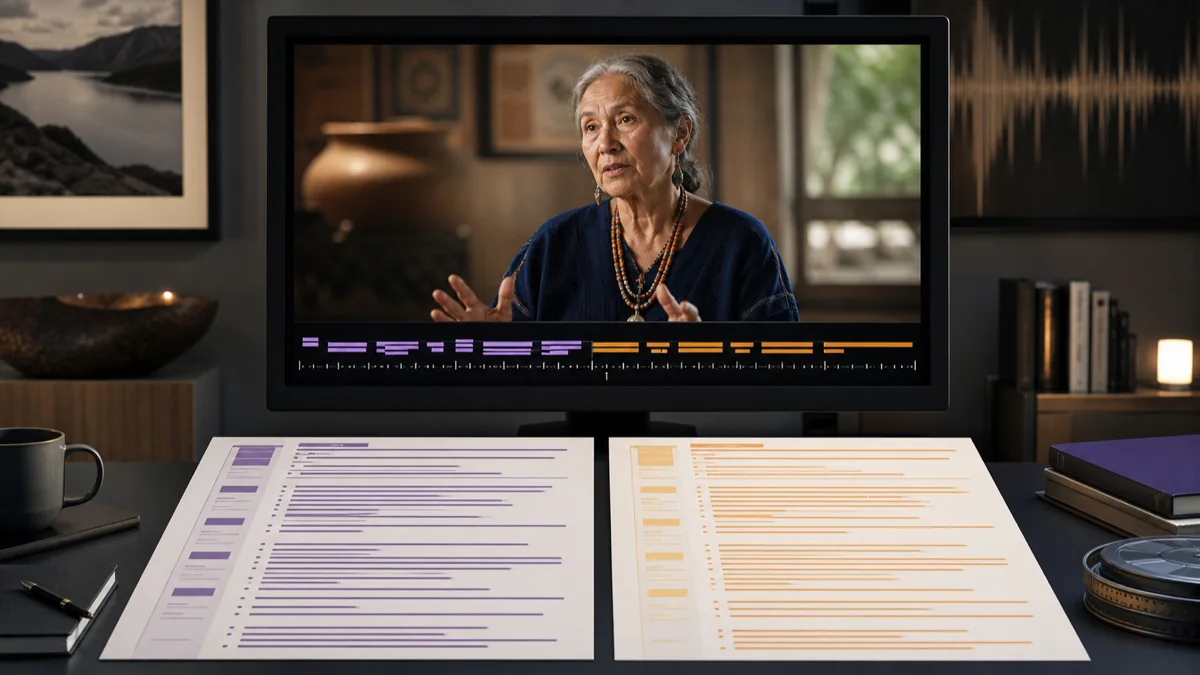
Source transcript first · translated text second
Audio Translator for Translated Text
An audio translator first identifies spoken words, then converts the transcript into your selected language. Upload or record audio here to create reviewable translated text.
Drop audio or video here
MP3, WAV, M4A, MP4, MOV, WEBM and more
Five starter transcription minutes are included. Translation requires Pro or Max.
Workflow / 01
How to use the audio translator
Speech translation is a two-stage review problem: verify what was said in the editable source transcript, then judge whether the target wording preserves its meaning. This sequence reduces silent errors in names, figures, and context.
- 01
Choose source and target languages
Use automatic source detection when needed and pick the language in which you want to read the result.
- 02
Upload or record speech
Bring in supported audio or video, record a message, or use a direct media URL.
- 03
Review the source transcript
Correct names, numbers, and domain terms before asking for the translated version.
- 04
Translate and copy
With a Pro or Max plan, review the displayed credit cost, use Translate in the completed workspace, then review and copy the target text.
 GPT Transcribe field guide
Principle / 02
Why transcription comes before translation
Recorded speech is not translated directly as a filename. The spoken language is first recognized as text; that transcript becomes the source for a target-language version. A recognition error can therefore propagate unless the source is reviewed.
This workflow returns translated text for review and copying. It does not export the translation as captions or documents, synthesize a new speaker, clone a voice, or create a dubbed audio track.
Foreign-language interviews
Read a target-language version while keeping the editable source transcript available for checks.
Lectures and presentations
Turn recorded speech into translated notes that can be copied into a reviewed handoff.
Multilingual research
Search a translated draft while retaining the source transcript for verification.
Decision / 03
GPT Transcribe vs AudioConvert vs VEED
Product pages checked 2026-08-12
| Compare | GPT Transcribe | AudioConvert | VEED |
|---|---|---|---|
| Primary result | Source-reviewed translated text | Transcript with multilingual translation | Subtitles, text, and dubbing workflows |
| Editing path | Review source, then translated text | Side-by-side transcript and translation | Timeline and editor-based localization |
| Best fit | Transcript-first text translation | Frequent multilingual transcript work | Video localization and optional dubbing |
Decision guide: Choose GPT Transcribe when a reviewable source transcript and copied translated text are the destination. AudioConvert emphasizes multilingual transcript workflows, while VEED is the broader choice when translation belongs inside video editing, captioning, or dubbing.
Limits / 04
Know before you start
A trustworthy tool says where its result can fail, what stays on your device, and what deserves a human check.
This page produces translated text
It does not dub the speaker, clone a voice, or create a translated audio track.
Important translations need human review
Legal, medical, financial, or safety-critical language should be checked by a qualified person.
A new target language uses credits
The first translation into a target language uses the same billed credits as the source transcription. Reopening the cached result uses no additional credits.
Answers / 05
Frequently asked questions
Does the audio translator create a new voice track?
No. It creates translated text that you can review and copy; voice dubbing is outside this tool's scope.
Should I review the original transcript first?
Yes. Fixing a source name or number before translation prevents that recognition error from carrying into the target text.
Can I copy the translated text?
Yes. Pro and Max users can review the translated result in the completed workspace and copy it. Export formats currently apply to the source transcript, not the translation.