
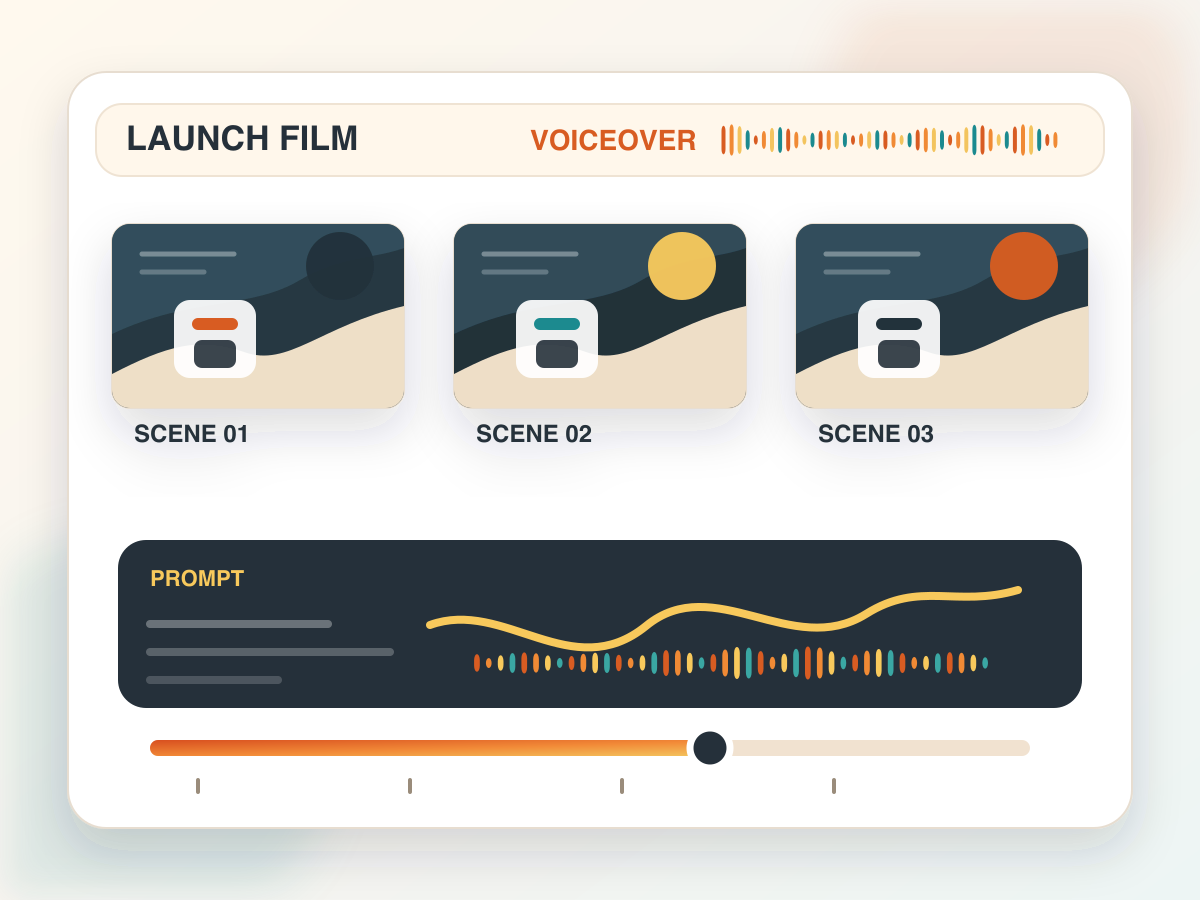
Storyboard product voiceover
Scene beats, prompt direction and the generated voiceover laid out on one board, so a launch film can be reviewed before anything is produced.
Assemble a seed audio 1.0 call field by field — prompt, voice, references, image guidance, format and delivery settings — and see exactly what would be sent.
Interactive Seed Audio 1.0 UI
Address your reference URLs as @Audio1, @Audio2 and @Audio3 — they map in the order you added them.
Reference audio and image reference cannot be combined. Choose one reference type or none.
Shape-checking only. Provider calls stay off until billing and usage controls exist on the server side.
Payload preview
{
  "prompt": "A calm walkthrough voiceover for a product tour. Note along the way that Seed Audio 1.0 accepts text, reference audio, or an image as its guidance.",
  "voice": "vivi_mixed_en_zh_ja_es_id",
  "output_format": "mp3",
  "sample_rate": 24000,
  "speed": 1,
  "volume": 1,
  "pitch": 0
}
Field names on this page come from fal's published Seed Audio 1.0 API documentation. The demo route validates a payload for bytedance/seed-audio-1.0 and stops there — the paid provider endpoint is never called.
Our own worked examples: a launch voiceover mapped to storyboard beats, a character voice held steady by reference audio, and a scene mix driven from an image.
Scene beats, prompt direction and the generated voiceover laid out on one board, so a launch film can be reviewed before anything is produced.
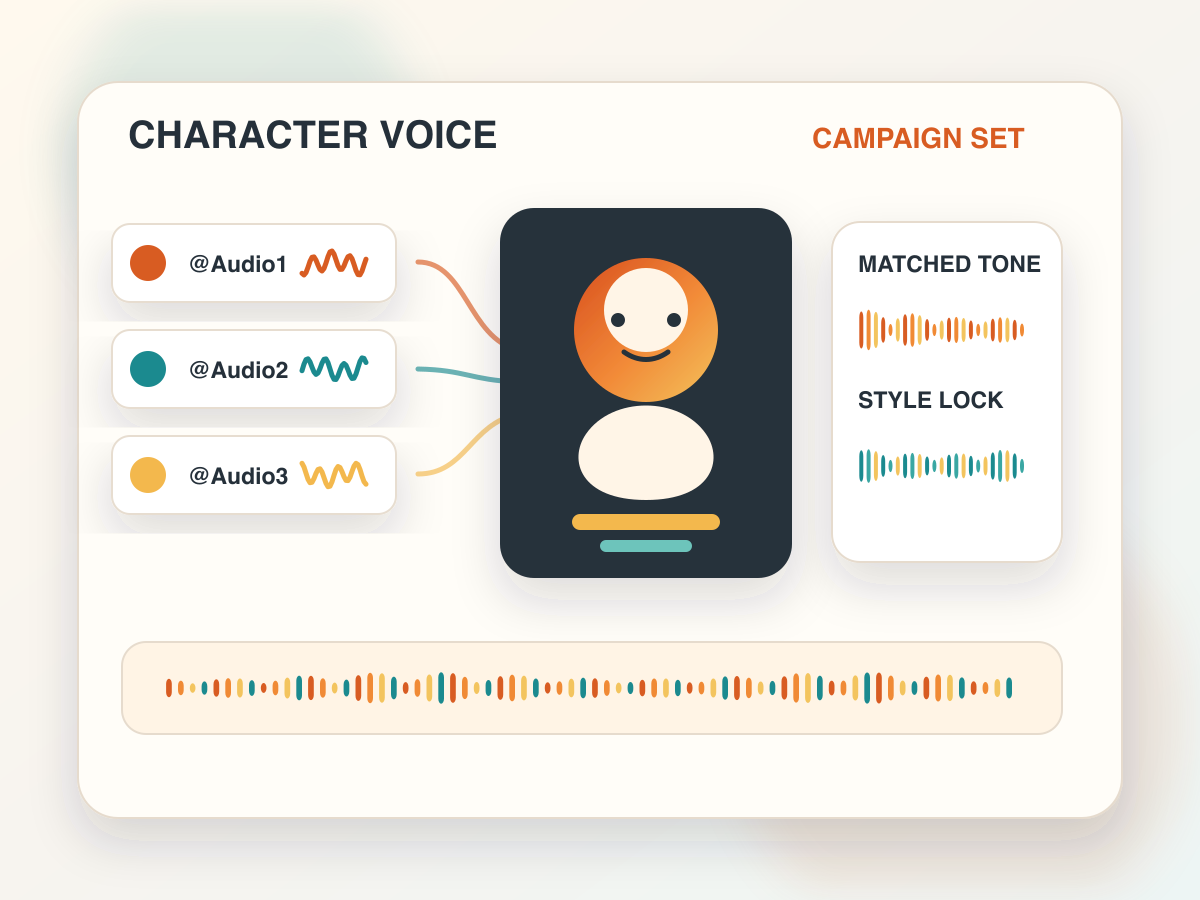
@Audio1, @Audio2 and @Audio3 pointed at the same character, so a campaign's variations do not each arrive in a different voice.
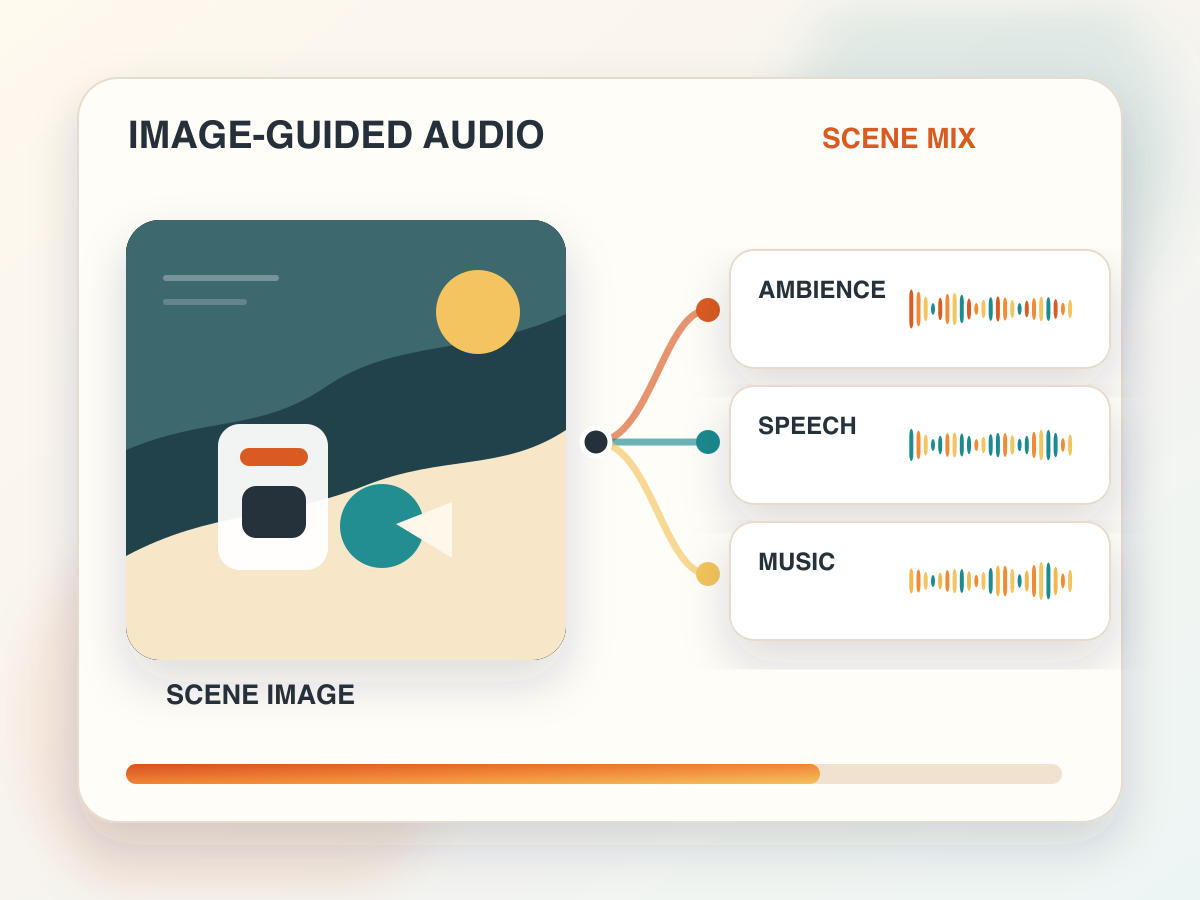
An image standing in for the scene, shaping ambience, speech and music together before the request reaches a production queue.
A ByteDance audio generation model, reachable through fal. Its published schema is simple at the centre and optional at the edges: the prompt is required, and everything else — a preset voice, up to three reference audio URLs, or one image URL — is guidance layered on top.
Treating it as a text box misses the point. The interesting requests describe the delivery you want, cite audio references in a deliberate order, pick a container, and set speed, volume and pitch — all decided before anything is submitted.
This page exists so you can evaluate that shape without a bill. The interface is complete and the guidance is ours, but provider billing stays switched off until somebody owning production adds authentication, quotas and a consent review.
Everything here mirrors fal's documented input shape — with no server key exposed and no request leaving the page.
Required. Supply reference audio URLs and the prompt can address them as @Audio1, @Audio2 and @Audio3 — order is what binds the name to the file.
Three public URLs at most, used for voice style, tone, or keeping a character recognisable. The demo enforces that these and image guidance are never sent together.
One public image URL, for when the scene rather than a sample should steer what comes out.
wav, mp3, pcm or ogg_opus; a documented sample rate; and speed, volume and pitch, all settled before the request goes out.
The run URL fal lists for Seed Audio 1.0 is below. Pricing and availability are theirs to change — confirm both in fal before you put a production proxy in front of it.
endpoint: bytedance/seed-audio-1.0
run_url: https://fal.run/bytedance/seed-audio-1.0
required: prompt
optional: voice, audio_urls, image_url, output_format, sample_rate, speed, volume, pitch
Small, explicit and reviewable first — then worry about the pipeline it plugs into.
The words, the mood, which languages are in play, how it should be paced. Short enough that another person could check it.
Preset voices when drafting quickly, audio URLs when transferring a style, a single image when the scene carries more information than a sample would.
Format and sample rate first, then speed, volume and pitch — then validate the body.
Once your own backend turns the paid fal call on, every result still needs checking for quality, consent, labelling and whether it belongs in the product at all.
Its advantage shows when the text, the voice direction and some surrounding media context all have to arrive in the same request.
Feature tours, teaching clips, release notes, short product films — a draft voiceover from a single tight prompt.
Ordered reference audio is what stops a character, a pace or a speaking style drifting between one variation and the next.
An image plus a prompt is a fast way to try audio treatments for an ad, a social cut, a concept film or a scene preview.
Cloning workflows are worth testing — with permission obtained, consent written down, and the output labelled as generated.
Be concrete about voice, pace, emotion, and what you will judge the result against. Contradictory style notes cancel each other out rather than combining.
Reference audio, images and voice likenesses need permission and a reason before they go anywhere near a request. Label what was generated, do not impersonate, keep review logs on commercial work, and never leave a listener with the impression that someone said something they did not.
A ByteDance text to audio model, reached through fal. A prompt is enough on its own; preset voices, reference audio URLs, or a single image URL are optional guidance on top.
It does not. The UI checks the request shape and shows you the payload; the server route answers with a disabled state. Nothing is sent to the provider and nothing is billed.
Reference audio URLs are part of fal's schema and can steer voice style. Whether you may use a particular voice, image or likeness is a separate question — settle it before you supply the URL.
prompt, voice, audio_urls, image_url, output_format, sample_rate, speed, volume, pitch. One constraint to remember: audio references and an image reference cannot appear in the same request.
Run your generation experiments here, then bring the finished audio back through GPT Transcribe — or keep browsing the rest of the model directory.