
Public links · 100 languages · six export formats
Video to Text
Converting video to text means reading the speech in a recording as words you can search, edit, and export. Paste a public video link to start; recordings of your own go through the upload workspace.
Workflow / 01
How to convert video to text
The useful output is rarely the raw text. It is a transcript you can correct where the audio was unclear, and then hand to whatever comes next: a caption file, a document, or a search index.
- 01
Paste a public link
YouTube, TikTok, and Instagram links are supported. Your own files go through the upload workspace instead.
- 02
Set the language
Leave detection automatic, or pick the spoken language when you already know it.
- 03
Review the transcript
Correct names, figures, and terms against the audio before reuse.
- 04
Export for the next step
TXT, SRT, VTT, JSON, PDF, or DOCX, depending on where the text is going.
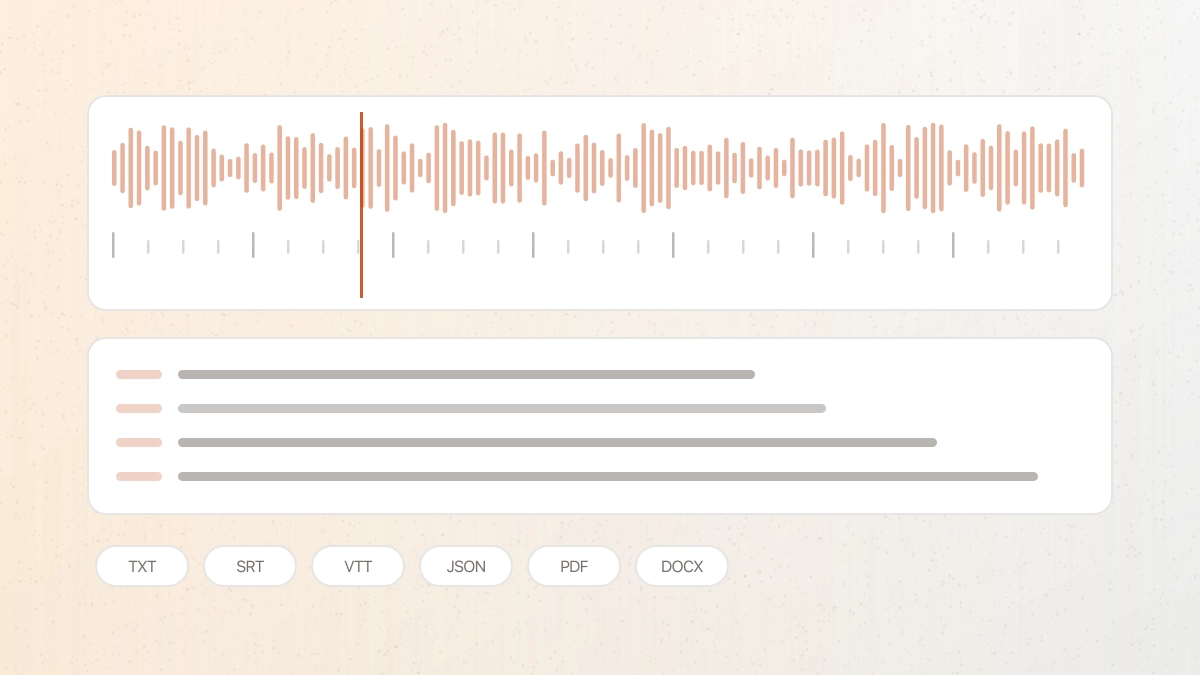 GPT Transcribe field guide
Principle / 02
What video-to-text actually involves
A video file carries sound; a transcript carries recognised language. Getting from one to the other means speech recognition, a review pass, and formatting for wherever the text is going — not a change of file extension.
That is also why the details matter. Speaker separation decides whether a two-person conversation reads as a dialogue or a wall of text. Accurate timings decide whether subtitles can be exported directly or have to be re-timed by hand. Language coverage decides whether the recording can be transcribed at all.
Recordings vary, and so does the result. Clear single-speaker audio needs little correction; crosstalk, distant microphones, and heavy background noise need more.
Meetings and interviews
Turn a recorded conversation into a readable, attributable record.
Captioning video
Export timed subtitles for accessibility or silent autoplay.
Content repurposing
Reuse a talk or episode as an article, summary, or set of quotes.
Decision / 03
GPT Transcribe vs Otter vs Descript
Product pages checked 2026-08-17
| Compare | GPT Transcribe | Otter | Descript |
|---|---|---|---|
| Starting point | A public video link | Meeting capture and imported media | A media editing project |
| Result workflow | Edit, then export captions or documents | Meeting notes and collaboration | Transcript-led audio and video editing |
| Speaker labels | Available | Available | Available |
| Best fit | A direct path from a video to usable text | Recurring meetings for a team | Creators editing the source media |
Decision guide: Choose GPT Transcribe when the job is simply getting a video's speech into text and files you can use. Otter fits teams whose recordings are recurring meetings and who want notes and collaboration around them. Descript fits creators who want to edit the video by editing its transcript, inside a wider production project.
Limits / 04
Know before you start
A trustworthy tool says where its result can fail, what stays on your device, and what deserves a human check.
Sign in and credits
Transcription requires an account. New accounts begin with five minutes; longer recordings show their cost first.
60 minutes and 1GB
Longer or larger recordings should be split before conversion.
This page takes links, not files
Private or local recordings are not pasted as links — upload them in the workspace, which accepts the same formats and produces the same exports.
A transcript is a draft
Verify anything consequential against the original recording before publishing it.
Answers / 05
Frequently asked questions
Can I convert video to text without uploading a file?
Yes, that is what this page does: paste a public video link and the audio is fetched for you. For a file on your own device, use the upload workspace instead.
Which languages are supported?
Transcription covers 100 languages, with automatic detection when the spoken language is not specified.
Can I get subtitles rather than plain text?
Yes. SRT and VTT are exported with timings, alongside TXT, JSON, PDF, and DOCX.
Does the video itself get stored?
Only the audio needed to produce the transcript is retained while the task is processed, and it is removed when the task is deleted.