
Works without captions · speaker labels · SRT and VTT
YouTube Transcript Generator
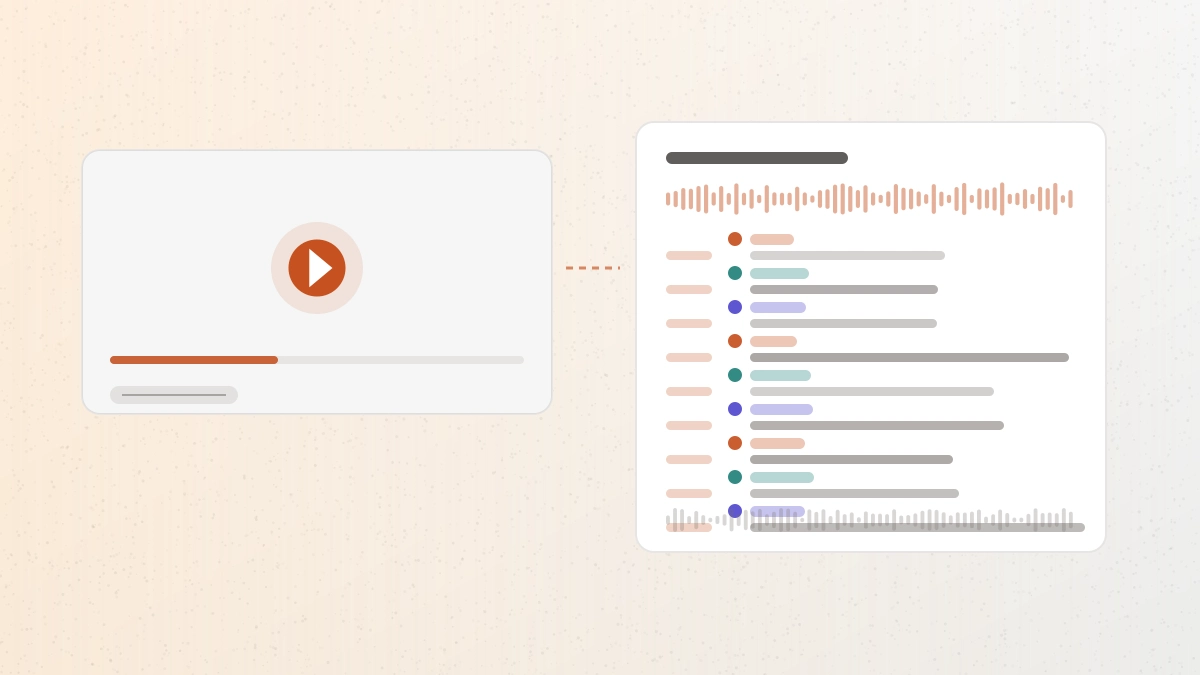
This YouTube transcript generator works from the video's audio, so it still produces a transcript when a video has no captions or the automatic ones are unreliable.
Workflow / 01
How to use the YouTube transcript generator
Built for videos where the caption track is missing, auto-generated, or simply not good enough to reuse. Paste a public link, review the wording, then export subtitles or a document.
- 01
Copy the YouTube link
Use the canonical watch, share, or Shorts URL from a public video.
- 02
Paste and check
The video's title, length, and credit cost appear before transcription starts.
- 03
Keep speakers separated
Leave speaker separation on for interviews, panels, and conversations.
- 04
Export
Download SRT or VTT for captions, or TXT, PDF, DOCX, and JSON for everything else.
 GPT Transcribe field guide
Principle / 02
Why a caption grab and a transcript are not the same thing
YouTube publishes automatic captions on many videos, and tools that grab them are quick. What you get back is that track: whatever it contains, with whatever punctuation and speaker information it happens to carry. When a video has no captions at all, there is nothing to grab.
Running speech recognition over the audio changes what is possible. Videos without captions still transcribe, multiple speakers can be labelled separately, and the timings line up closely enough to export as SRT or VTT rather than needing to be re-timed by hand.
Either way the result is a draft. Interviews, panels, and lectures are worth checking for names and figures before the text is quoted or published.
Long talks and lectures
Search an hour-long video for the two minutes that matter.
Republishing with captions
Generate a subtitle file for a video you are re-uploading or editing.
Interviews and panels
See who said what before pulling quotes out of a multi-speaker recording.
Decision / 03
GPT Transcribe vs YouTube's own captions vs Free extractors
Product pages checked 2026-08-17
| Compare | GPT Transcribe | YouTube's own captions | Free extractors |
|---|---|---|---|
| Source of the text | Speech recognition on the audio | The platform's caption track | The same caption track, re-displayed |
| Video without captions | Transcribes it | No track to show | Nothing to extract |
| Speaker labels | Available | Not provided | Not provided |
| Subtitle export | SRT and VTT, plus documents | Available to the video's owner | Varies by tool |
| Cost to start | Five starter minutes, then credits | Free to view | Usually free |
Decision guide: For a quick read of a video that already has decent captions, YouTube's own transcript panel or a free extractor is the fastest route and costs nothing. Use GPT Transcribe when there are no captions to read, when the automatic ones are too rough to reuse, when you need speakers separated, or when the output has to ship as a subtitle file.
Limits / 04
Know before you start
A trustworthy tool says where its result can fail, what stays on your device, and what deserves a human check.
Public videos only
Private, unlisted-by-invitation, age-restricted, and paid videos are not processed.
Sign in and credits
Transcription requires an account. Five starter minutes come with a new account; longer videos show the cost first.
Up to 60 minutes
The ceiling is 60 minutes and 1GB per video. Split longer recordings first.
Respect the creator
A transcript does not grant rights to the video. Follow the platform's terms and the creator's licence when you reuse the text.
Answers / 05
Frequently asked questions
Does this work on videos with no captions?
Yes. The transcript comes from the audio, so a missing or disabled caption track does not stop it.
Can I get a transcript with timestamps?
Yes. Segments carry timestamps, which is also what makes SRT and VTT export possible.
Does it handle YouTube Shorts?
Yes, public Shorts links are supported alongside standard watch URLs.
Is this affiliated with YouTube?
No. GPT Transcribe is an independent tool, not affiliated with or endorsed by YouTube, and it only processes publicly accessible videos.