
Zoom and Drive recordings · speaker labels · full export
Meeting Transcript Generator
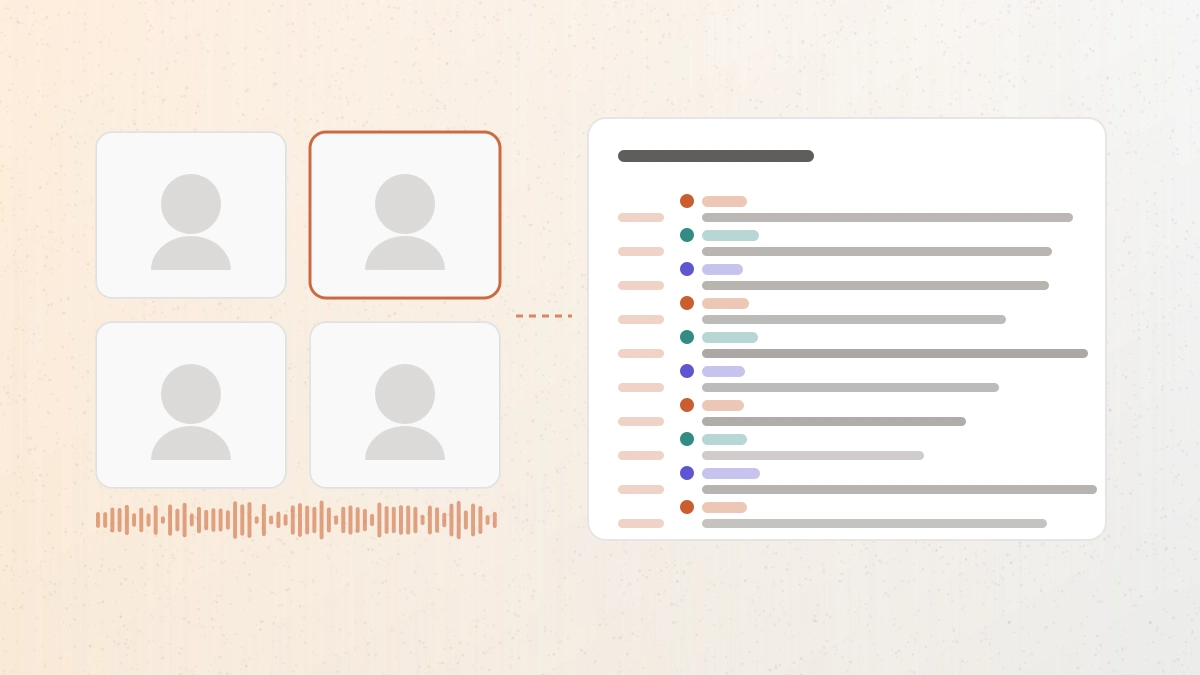
This meeting transcript generator turns a Zoom cloud recording or a Google Drive video link into a speaker-separated transcript with timestamps, which you can correct and export as text, a document, or subtitles.
Workflow / 01
How to use the meeting transcript generator
Meeting recordings are long, multi-voice, and full of names and decisions worth finding later. A transcript makes the recording searchable — and speaker labels are what make a long conversation readable at all.
- 01
Get a shareable link
Use a Zoom cloud recording share link, or a Google Drive video link set to anyone-with-the-link.
- 02
Paste and confirm
Check the detected duration and credit estimate before transcription begins.
- 03
Correct names and decisions
Scan participant names, product terms, and any figures against the recording.
- 04
Export for your record
Take DOCX or PDF for minutes, plain text for notes, or SRT and VTT for subtitles.
 GPT Transcribe field guide
Principle / 02
When your platform's own transcript is not enough
Zoom can produce an audio transcript of a cloud recording, but it is a paid-plan feature: cloud recording is not available on the free plan at all, and automatic transcription sits on the higher Workplace tiers. If a recording was made on a free account, or shared with you by someone whose plan does not include it, there is no native transcript to fall back on.
Even where it exists, the platform transcript is tied to that platform: it arrives as a single .vtt beside the recording, typically some minutes after the meeting ends, in whatever form the platform produced it. This page takes any shared recording link and gives you the transcript in six formats, with the wording editable before you export.
Google Drive is the other common home for a recording — a file someone exported and shared rather than left in the meeting tool. A public Drive video link is transcribed the same way, with the same speaker separation.
Minutes and action items
Work from a speaker-separated record instead of re-watching an hour of video.
Recordings from someone else's account
Transcribe a shared recording even when the host's plan produced no transcript.
Searchable team archive
Keep meetings as text your team can search months later.
Decision / 03
GPT Transcribe vs Zoom audio transcript vs Otter
Product pages checked 2026-08-17
| Compare | GPT Transcribe | Zoom audio transcript | Otter |
|---|---|---|---|
| What it costs to start | Five free minutes, then per-minute credits | Requires a paid Zoom plan | Free tier with a monthly minute cap |
| Works on someone else's recording | Yes, from a shared link | Only within the host's account | Needs upload or a connected account |
| Speaker separation | Available | Available | Available |
| Export formats | TXT, DOCX, PDF, SRT, VTT, JSON | VTT beside the recording | Several, varying by plan |
| Best fit | One-off recordings, wherever they came from | Teams already standardised on paid Zoom | Ongoing meeting notes as a subscription |
Decision guide: If your team is already on a paid Zoom plan and everything happens inside it, the built-in transcript is the least effort. Choose an assistant like Otter when you want every recurring meeting captured automatically. Use GPT Transcribe for the recording that falls outside both — one shared with you, made on a free account, or already exported to Drive — where you need a clean, speaker-separated transcript once and in a format you can keep.
Limits / 04
Know before you start
A trustworthy tool says where its result can fail, what stays on your device, and what deserves a human check.
Link-accessible recordings only
Recordings that require a sign-in, a passcode, or org-restricted access are not processed.
60 minutes per file
Longer sessions need to be split before transcription.
Sign in and credits
An account is required. New accounts start with five minutes of transcription.
Consent still applies
Recording and transcribing a meeting is subject to the consent rules where the participants are. A transcript does not change that.
Answers / 05
Frequently asked questions
Which meeting links work?
Zoom cloud recording share links and Google Drive video links that are viewable by anyone with the link. Passcode-protected and org-restricted recordings are not processed.
Do I need a paid Zoom plan?
No. That is the point of this page — a recording is transcribed here from its link, whatever plan produced it, as long as the link is openly accessible.
Are speakers labelled?
Yes. Speaker separation is on by default here, since a multi-person meeting is hard to use without it.
How long can a recording be?
Up to 60 minutes per file. Split a longer session and transcribe the parts separately.