
Reads the audio · speaker labels · subtitle files
Facebook Transcript Generator
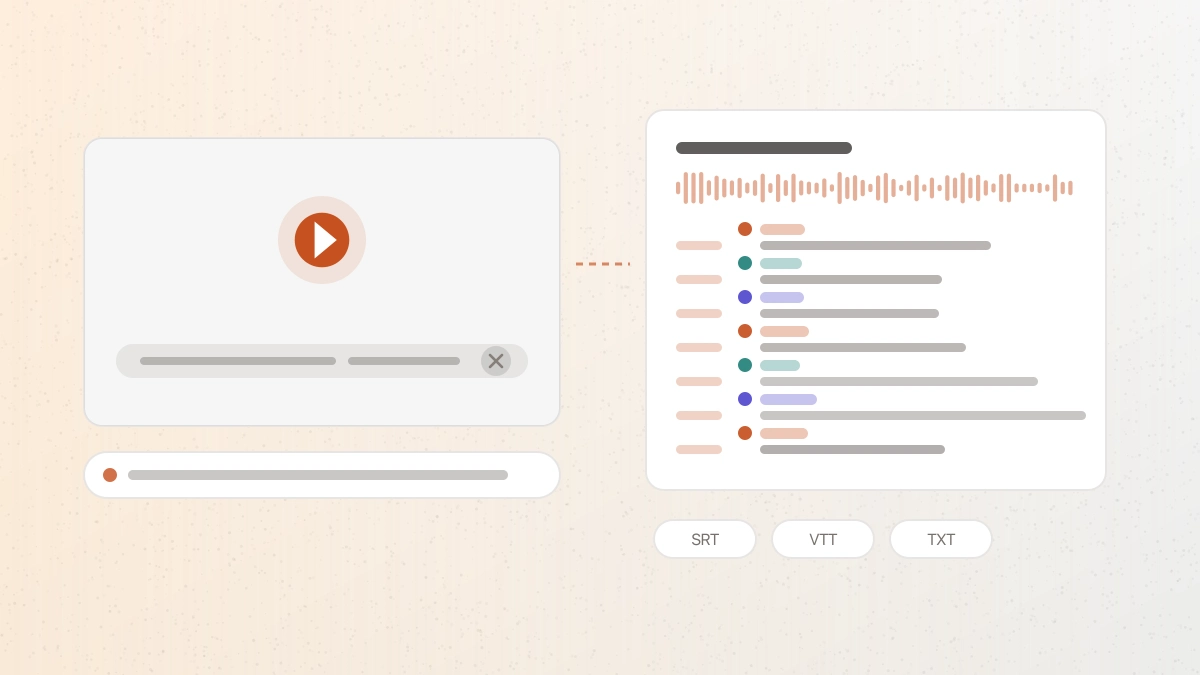
This Facebook transcript generator reads the audio of a public Facebook video, Reel, or watch link and returns editable text with timestamps and speaker labels, in a form you can export.
Workflow / 01
How to use the Facebook transcript generator
Facebook video covers a wide range — a two-minute Reel, a recorded panel, an hour-long live session. What they share is that the words are locked inside playback. Transcribing the audio turns them into text you can search, quote, and caption.
- 01
Copy the video link
Use a public facebook.com/watch, /reel, /videos, or fb.watch address.
- 02
Paste and confirm
Review the detected duration and credit estimate before transcription starts.
- 03
Check names and terms
Scan proper nouns, brands, and any industry vocabulary against the audio.
- 04
Export what you need
Take plain text for a post, a document for records, or SRT and VTT for subtitles.
 GPT Transcribe field guide
Principle / 02
Why Facebook's own captions are not a transcript
Facebook generates captions automatically for many videos, and they are useful for watching with the sound off. Published accuracy estimates for auto-captions on social platforms sit around 70–80%, and Meta's own guidance is to review and correct them before relying on them.
The bigger gap is what you can do with them. Facebook's auto-captions are made for playback, not for export — there is no reliable way to pull them out as a timed file you can edit, translate, or load into a video editor. A transcript here is a file from the start: plain text, DOCX, PDF, SRT, VTT, or JSON.
Recorded conversations are also where speaker separation matters most. A panel or an interview reads as one undifferentiated block without it; with speaker labels, you can see who said what and quote accurately.
Recorded panels and interviews
Get a speaker-separated transcript of a multi-person conversation you can quote from.
Captioning a repost
Produce a timed SRT or VTT file for a video you are re-editing or republishing.
Accessible summaries
Publish a readable text version alongside a video so it can be searched and screen-read.
Decision / 03
GPT Transcribe vs Facebook auto-captions vs General social tools
Product pages checked 2026-08-17
| Compare | GPT Transcribe | Facebook auto-captions | General social tools |
|---|---|---|---|
| What you end up with | An editable transcript in six export formats | Captions shown during playback | Text, quality depending on the source it reads |
| Speaker separation | Available | Not provided | Rarely provided |
| Timed subtitle file | SRT and VTT | Not exportable | Varies by tool |
| Long recordings | Up to 60 minutes per file | Captions follow the video | Often capped at a few minutes |
| Best fit | Quoting, captioning, and archiving what was said | Watching with the sound off | A quick throwaway read |
Decision guide: If you only need to follow a video without sound, Facebook's captions are already there and cost nothing. Use GPT Transcribe when the words have to leave the platform — as a quote, a subtitle file, or a record you keep — and especially for recorded conversations, where knowing who spoke is the difference between a usable transcript and a wall of text.
Limits / 04
Know before you start
A trustworthy tool says where its result can fail, what stays on your device, and what deserves a human check.
Public videos only
Private groups, friends-only posts, and anything behind a login are not processed.
Spoken audio only
Text that only appears on screen, and video with no speech, produce nothing to transcribe.
Sign in and credits
An account is required. New accounts start with five minutes of transcription.
Rights stay with the creator
A transcript is not permission to republish someone else's video. Follow Meta's terms and credit the source.
Answers / 05
Frequently asked questions
Which Facebook links work?
Public video, Reel, and watch links, including fb.watch short links. Private, friends-only, and group-restricted posts are not processed.
Can I get subtitles I can upload back to Facebook?
Yes. Export SRT or VTT and upload it in place of the auto-generated captions.
Does it label who is speaking?
Yes, speaker separation is on by default on this page, which is what makes recorded panels and interviews readable.
Is this an official Meta or Facebook tool?
No. GPT Transcribe is independent and is not affiliated with or endorsed by Meta.