
Reels and video posts · speaker labels · SRT and VTT
Instagram Transcript Generator
This Instagram transcript generator turns a public Reel or video post into editable text. The audio is transcribed with timestamps, so the words can be reused outside the app.
Workflow / 01
How to use the Instagram transcript generator
Reels are built for watching, not for quoting. Transcribing the audio gives you searchable text you can edit, publish as captions, or keep as a record of what was said.
- 01
Copy the Reel or post link
Use the share link or address-bar URL of a public Reel or video post.
- 02
Paste and confirm
The duration and credit cost are shown before transcription starts.
- 03
Separate the speakers
Leave speaker separation on when a Reel features an interview or a duet.
- 04
Export
Take plain text, a document, or timed SRT and VTT subtitles.
 GPT Transcribe field guide
Principle / 02
Getting the words out of a Reel
Instagram can show captions during playback, which helps while watching but leaves you nothing to work with afterwards. There is no timed file to download, and nothing distinguishes one speaker from another.
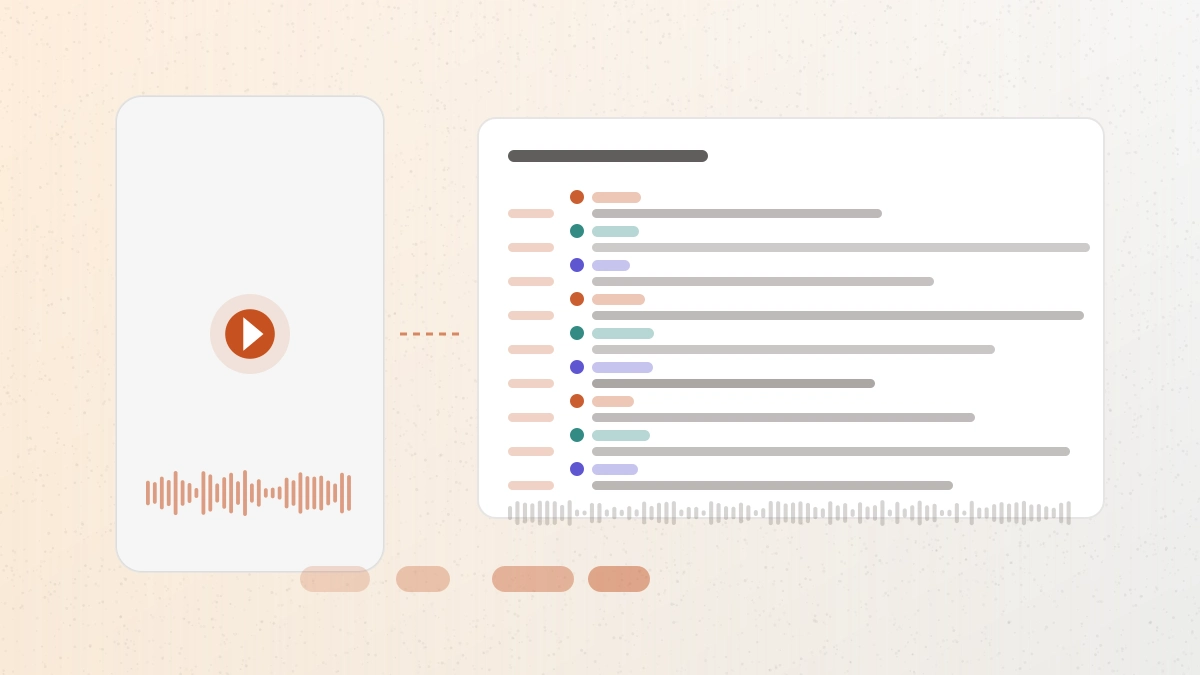
Transcribing the audio produces text you can search, correct, and export — including SRT and VTT with timings close enough to use directly, and speaker labels when a Reel features more than one voice.
Short vertical video is a demanding source: music beds, fast cuts, and overlapping speech all affect accuracy, so check anything you intend to publish.
Captions for accessibility
Produce a subtitle file so a repost can be followed without sound.
Turning a Reel into writing
Reuse a spoken script as a caption, article, or newsletter section.
Keeping a record
Store a searchable transcript of what a video actually said.
Decision / 03
GPT Transcribe vs Instagram captions vs General social tools
Product pages checked 2026-08-17
| Compare | GPT Transcribe | Instagram captions | General social tools |
|---|---|---|---|
| What you end up with | An editable, exportable transcript | Captions during playback only | Text, quality depending on the source it reads |
| Speaker separation | Available | Not provided | Rarely provided |
| Timed subtitle file | SRT and VTT | Not exportable | Varies by tool |
| Best fit | Publishing or quoting what was said | Watching muted | A quick one-off read |
Decision guide: Instagram's own captions are the right tool for watching a Reel without sound. Choose GPT Transcribe when the text has to leave the platform — as a caption you are writing, a quote, or a subtitle file — and when a Reel has more than one speaker to tell apart.
Limits / 04
Know before you start
A trustworthy tool says where its result can fail, what stays on your device, and what deserves a human check.
Public content only
Private accounts, Stories, and anything behind a login are not processed.
Spoken audio only
Text that only appears on screen is not included in the transcript.
Sign in and credits
Transcription needs an account, starting with five free minutes.
Rights stay with the creator
Having a transcript does not grant permission to republish someone else's video.
Answers / 05
Frequently asked questions
Does this work with Reels?
Yes. Public Reels and public video posts are both supported; paste the link from the address bar.
Can I transcribe a private account's video?
No. Only publicly accessible videos are processed. For your own private content, download it and upload the file instead.
What formats can I export?
TXT, SRT, VTT, JSON, PDF, and DOCX, so the transcript fits captioning, publishing, or archival equally.
Is this an official Instagram tool?
No. GPT Transcribe is independent and is not affiliated with or endorsed by Instagram or Meta.